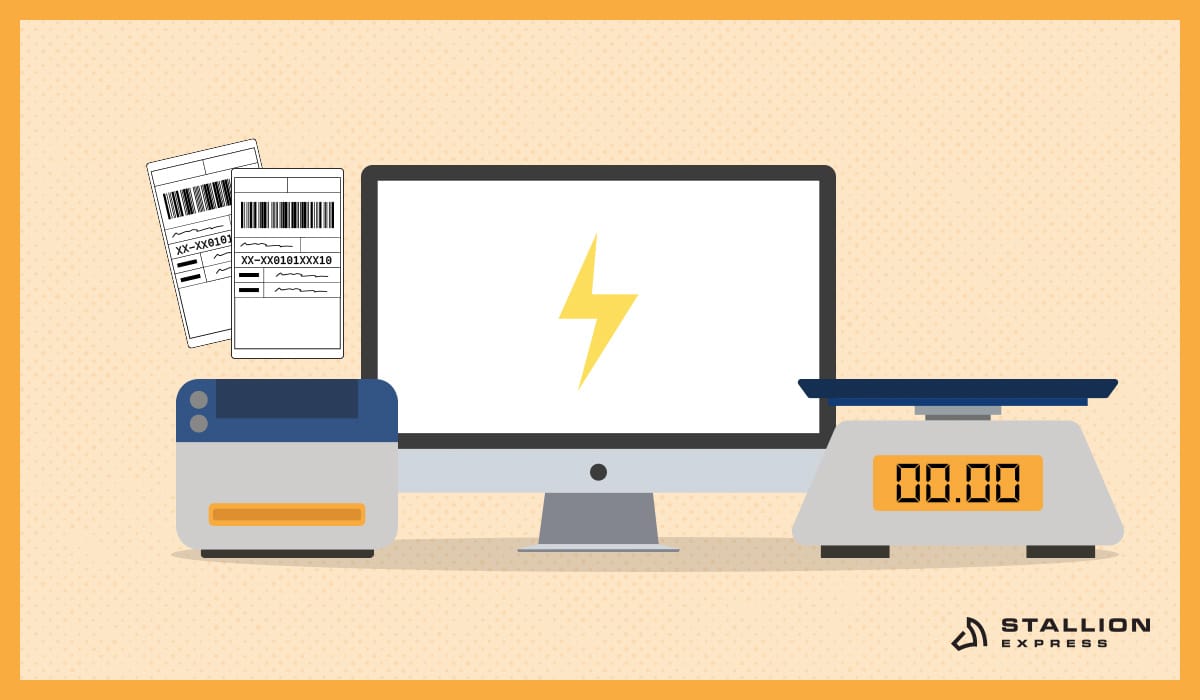
New Features: Direct Printing and Weight Scale Automation
Table of Contents
Good news, Canadian online sellers! We’re introducing our direct printing and weight scale automation to make your Stallion shipping experience a breeze.
Continue to read below to find out more about these features.
How to Set Up Direct Printing Setting
This new time-saving feature enables direct printing on your thermal label printer by skipping your browser’s print notification pop-up.
For your convenience, you may refer to our instructional PDF to get started. If you learn best visually, take a peek into our video tutorial for more information.
How to Set Up Your Weight Scale
Our new Stallion feature lets you connect a USB weight scale without needing to manually enter the shipment weight for each individual package.
After the initial set-up, simply leave your digital weight scale on. Set your unit and place your package on the scale. The weight and weight unit will appear in the form field when creating and completing your shipping label.
To set up this feature, please visit this PDF document. You can also watch this video for instructions.
*****
To meet your expectations, our team is constantly working on some innovations geared toward automation and time-saving features. If you have some upcoming requests, slide them into our email at hello@stallionexpress.ca or dial 877-863-7447.